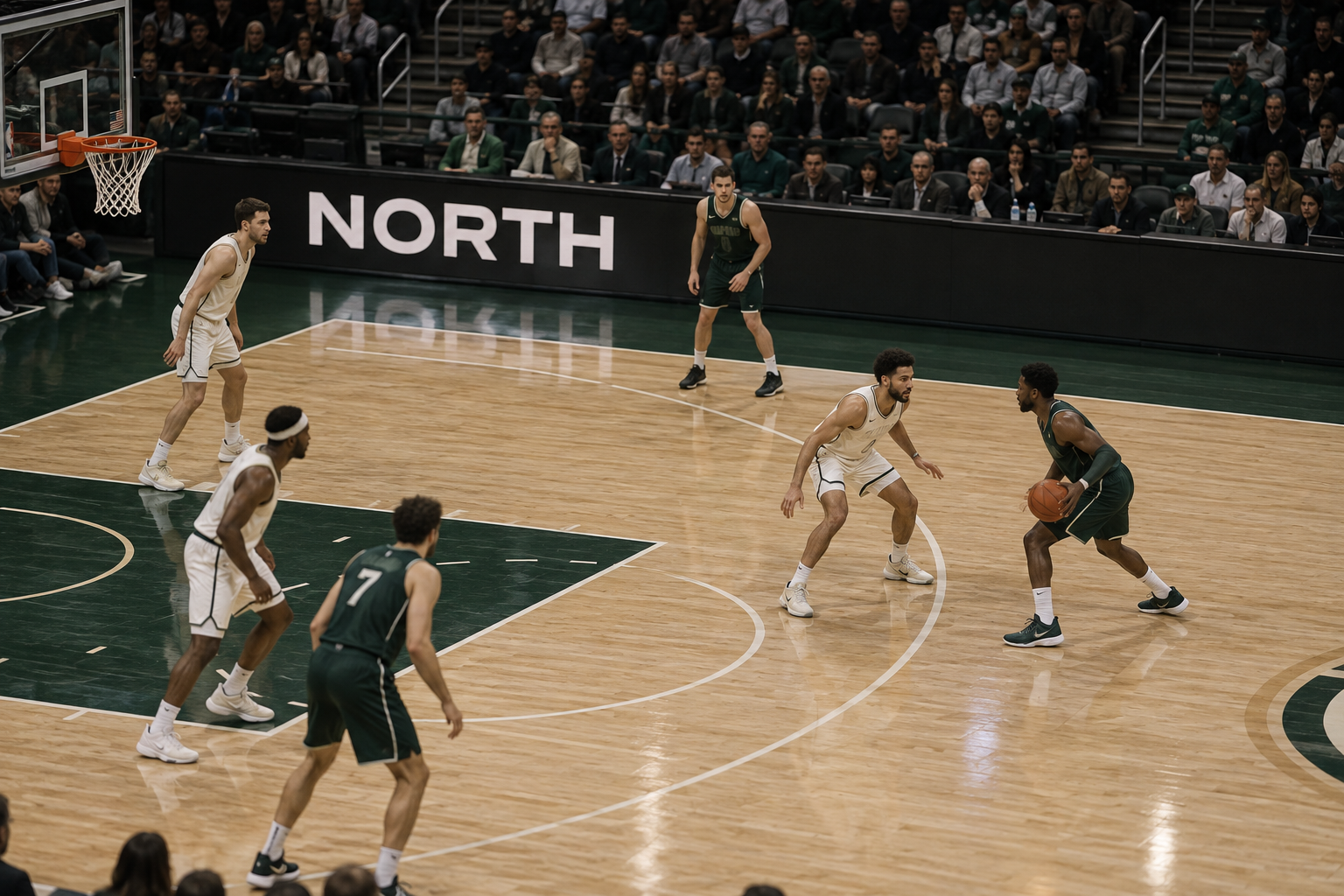
PROPOSED PROJECT
Match Clip Finder
Help team content editors find specific plays and athletes in supplied match footage. Combine match event records, transcripts, and image search to find candidate clips, then export approved selections with timestamps and usage permissions.
Find the play.
Team content desk
“Number 7’s assist to 23.
Second quarter.”
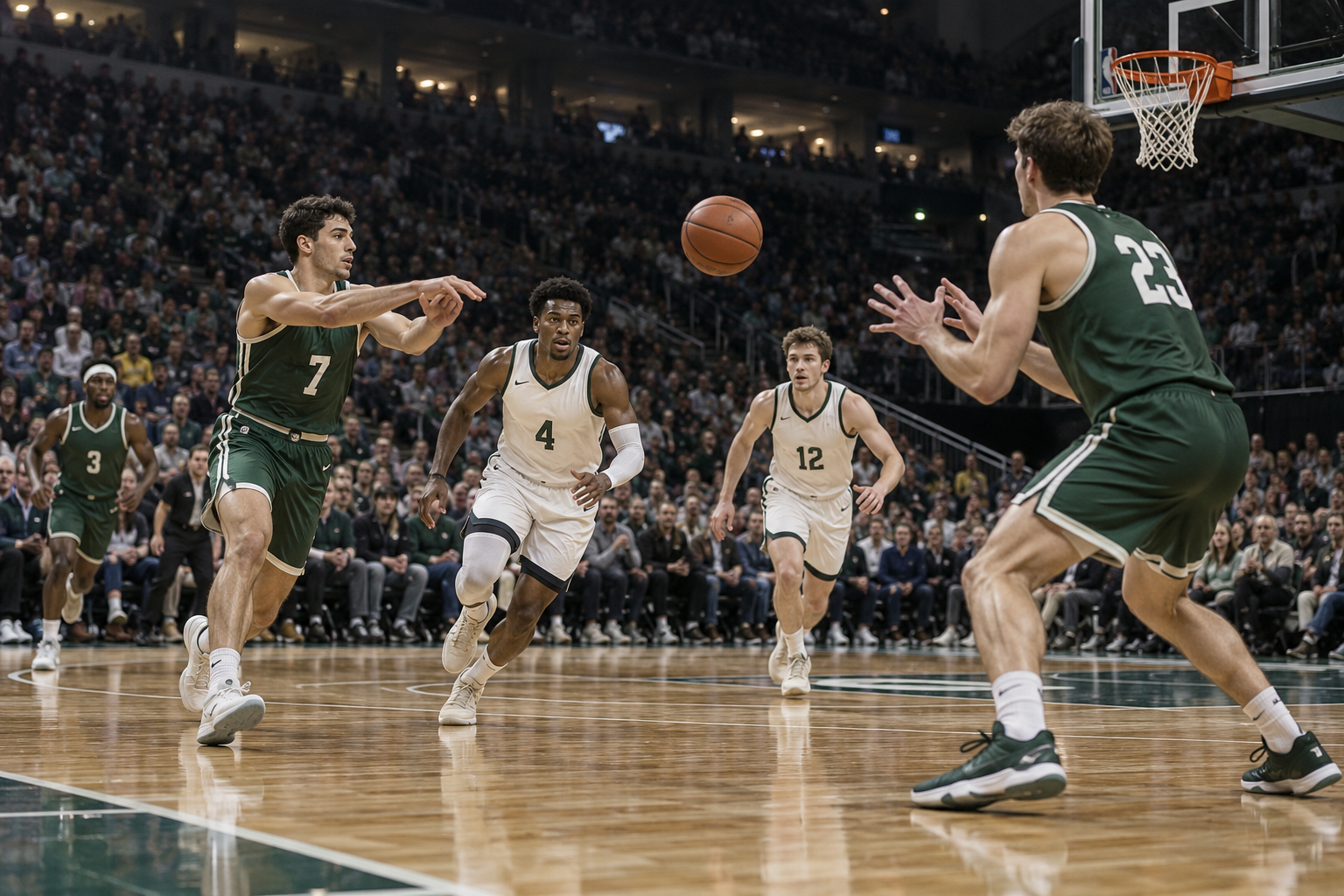 Candidate moment / source 00:31:18
A pass. A possible assist.
- Event record
- E-042 · Q2 06:42
- Recording
- 00:31:18
- Player clue
- Green 7 → 23
- Still to verify
- Made basket
The event log suggests an assist. The editor checks the full play before accepting it.
A search result
that gets to the edit.
A basketball editor asks for green number 7’s assist to number 23 in the second quarter. A fictional event log locates the play at Q2 06:42; the aligned recording locates it at 00:31:18. The proposed 12-second cut runs from 00:31:12 to 00:31:24. A similar first-quarter play and a later replay are kept separate. The example license permits team social posts through 30 November 2026 and excludes paid ads.
WHAT IS USUALLY DONE
An editor searches a long match recording using a score sheet, memory, and the video player’s scrub bar. Finding a play is only the start: the team still needs the source timecode, a useful lead-in, and confirmation that the clip can be used in the requested channel.
WHAT SOVRUN CAN DO FOR YOU
Sovrun would build a searchable match library for a club’s content team. Link supplied event records and transcripts to the recording, then use video search to find candidate moments. Results show why they matched, where to open the source, and the recorded usage permissions. An editor confirms the action and trim before exporting an edit list or approved clips. The first project would cover one sport, one footage collection, and one editing workflow.
Keep the lead-in.
Check where it can go.
The editor needs the setup and the outcome, not just a timestamp in the middle of a play. The proposed selection below includes both. Usage is checked for the intended destination before the export.
6 secondsPlay + finish
6 seconds
Event at 00:31:18 · total cut 12 seconds.
Final trim follows the editor’s footage review.
Team social: permitted.
Valid through 30 November 2026 for the club’s own social accounts.
From a long recording
to a usable selection.
A proposed first build links match records, video search, and the editor’s existing tools. These are the three pieces delivered together.
Green 7 → 23
- Match clock
- Q2 06:42
- Source time
- 00:31:18
- Review
- Check made basket
One cut. Full context.
- File
- G04-main.mp4
- In
- 00:31:12
- Out
- 00:31:24
- Duration
- 12 seconds
Ready for the right channel.
- Team social
- Permitted
- Paid ads
- Excluded
- Until
- 30 Nov 2026
- Record
- R-104
How we’d make it happen.
Align the match records
Map the event clock to the recording’s timecode. Resolve breaks, replays, and missing segments before using event records to guide search.
Find candidate moments
Combine action search, transcripts, jersey numbers, and event records. Rank candidate moments and show the evidence and uncertainty beside each result.
Approve the cut and its use
The editor checks the action and trim. Confirm the intended channel against the permission record, then export the approved edit list or clips with source references.
Where AI helps
Video models suggest candidate actions, while transcript search and supplied event records provide additional clues. We compare current models on the team’s own footage, including similar-looking plays and camera cuts. Jersey numbers and roster records assist matching; the system does not treat a visual guess as confirmed player identity.
What people approve
An editor confirms the player, play, source offset, and clip boundaries. The rights owner checks the requested use against the supplied license record. Missing or expired permission blocks release; a plausible search match is never automatic approval to publish.
What we’d need to start
- Match footage, file timecodes, and event records or score sheets
- Roster and jersey numbers, available transcripts, and example search requests
- Usage permissions, output formats, and the editor’s preferred handoff format
How we’d test it
Ask editors to label a set of search requests and valid moments. Measure how many valid moments appear near the top, which are missed, and how long selection takes. Test clock offsets, duplicate replays, unclear jersey numbers, and rights that cover team social posts but exclude paid ads. Do not promise a search speedup before that comparison.
Prepared for Sports & fitness. We would agree on the work after reviewing your brief, materials, and requirements.
This is a proposed project, not completed client work. The visuals and numbers show example outputs, not measured results.