PROPOSED PROJECT
Product Explainer Films
Explain your products and ideas to your audience through a scripted, storyboarded film that answers the questions behind their next decision.
Show the action behind the instruction.
Three scenes / 15 seconds each
Illustrative manual M01
Clamp to the edge.
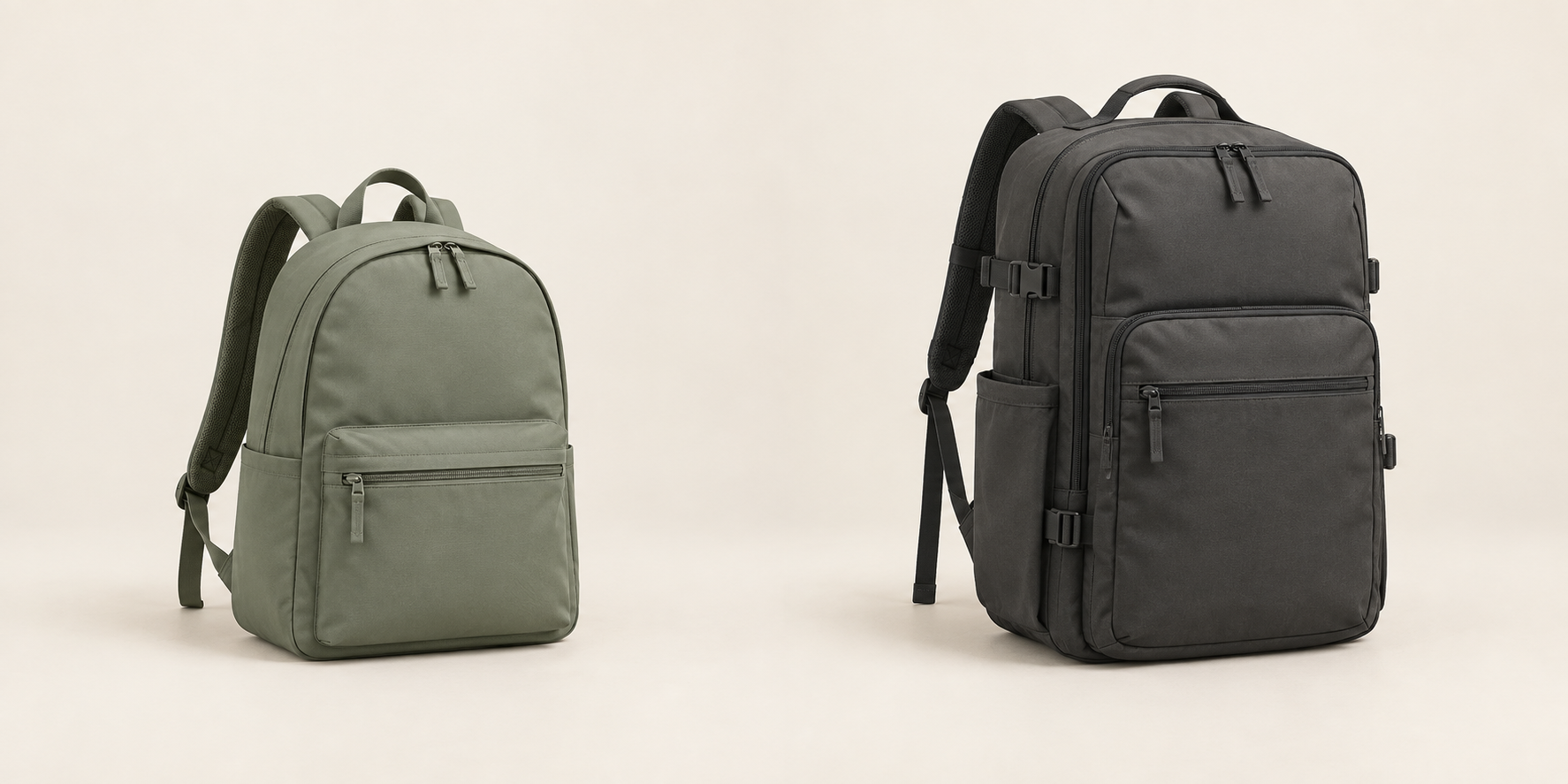
Show the desk edge and clamp together. The example manual specifies a 10–40 mm top; the shown top is recorded as 30 mm.
Aim the light.
Use the two arm joints to show where the lamp can be adjusted. Keep the actual movement limits tied to the approved product model.
Choose a level.
Show the example control cycling through three brightness settings, then returning to the task. No brightness or energy claim is added.
The project in practice.
Explain your products and ideas to your audience through a scripted, storyboarded film that answers the questions behind their next decision.
WHAT IS USUALLY DONE
A dense product deck is often shortened into a voiceover before the visual explanation is planned. Generic animation then decorates the script without making the difficult parts clearer.
WHAT SOVRUN CAN DO FOR YOU
Sovrun would map questions from your audience about your products and ideas to approved source material, then work with subject experts on a 45-second explanation. The project includes a source-to-script review and a modular scene structure for later updates.
Every scene answers
a real product question.
The script follows the customer’s next three questions: will the clamp fit, where can I aim the light, and how do I change the setting? The team approves the source statement before choosing the diagram or shot that explains it.
Clamp to the edge.
Show the desk edge and clamp together. The example manual specifies a 10–40 mm top; the shown top is recorded as 30 mm.
Aim the light.
Use the two arm joints to show where the lamp can be adjusted. Keep the actual movement limits tied to the approved product model.
Choose a level.
Show the example control cycling through three brightness settings, then returning to the task. No brightness or energy claim is added.
Keep each scene’s source passage, narration, diagram, and timing together. If the control changes, revise scene E03 and check its transition into the end card. Use approved CAD or photography for exact product geometry; generated frames explore the treatment.
An explanation
that survives a product update.
The first project delivers a source-linked script, approved design frames, and a finished 45-second film with editable scene files.
Three questions, answered.
- E01 / Manual M01 / §2
- Clamp to the edge.
- E02 / Manual M01 / §3
- Aim the light.
- E03 / Manual M01 / §4
- Choose a level.
10–40 mm top range
Illustrative manual rule. Actual product geometry requires approval.
15 + 15 + 15 seconds.
- E01 / clamp
- 00:00–00:15
- E02 / aim
- 00:15–00:30
- E03 / adjust
- 00:30–00:45
- Handoff
- Film + captions + source files
How we’d make it happen.
Explain
Decide what the audience should understand before writing the script.
Visualize
Test diagrams and metaphors against the technical source material.
Produce
Animate approved scenes, record narration, and review clarity with representative viewers.
Where AI helps
AI organizes source material, drafts script alternatives, and explores storyboard directions. It does not establish technical facts or validate product claims.
What people approve
A subject expert approves the script and diagrams. Designers and animators determine how each visual explains the idea.
What we’d need to start
- Approved documentation for your products and ideas
- Questions and objections from your audience
- Brand and terminology guidance
How we’d test it
Ask viewers to explain the product after watching; track misunderstandings and correct the narrative before release.
This is a proposed project, not completed client work. The visuals and numbers show example outputs, not measured results.


 Work,
Work,