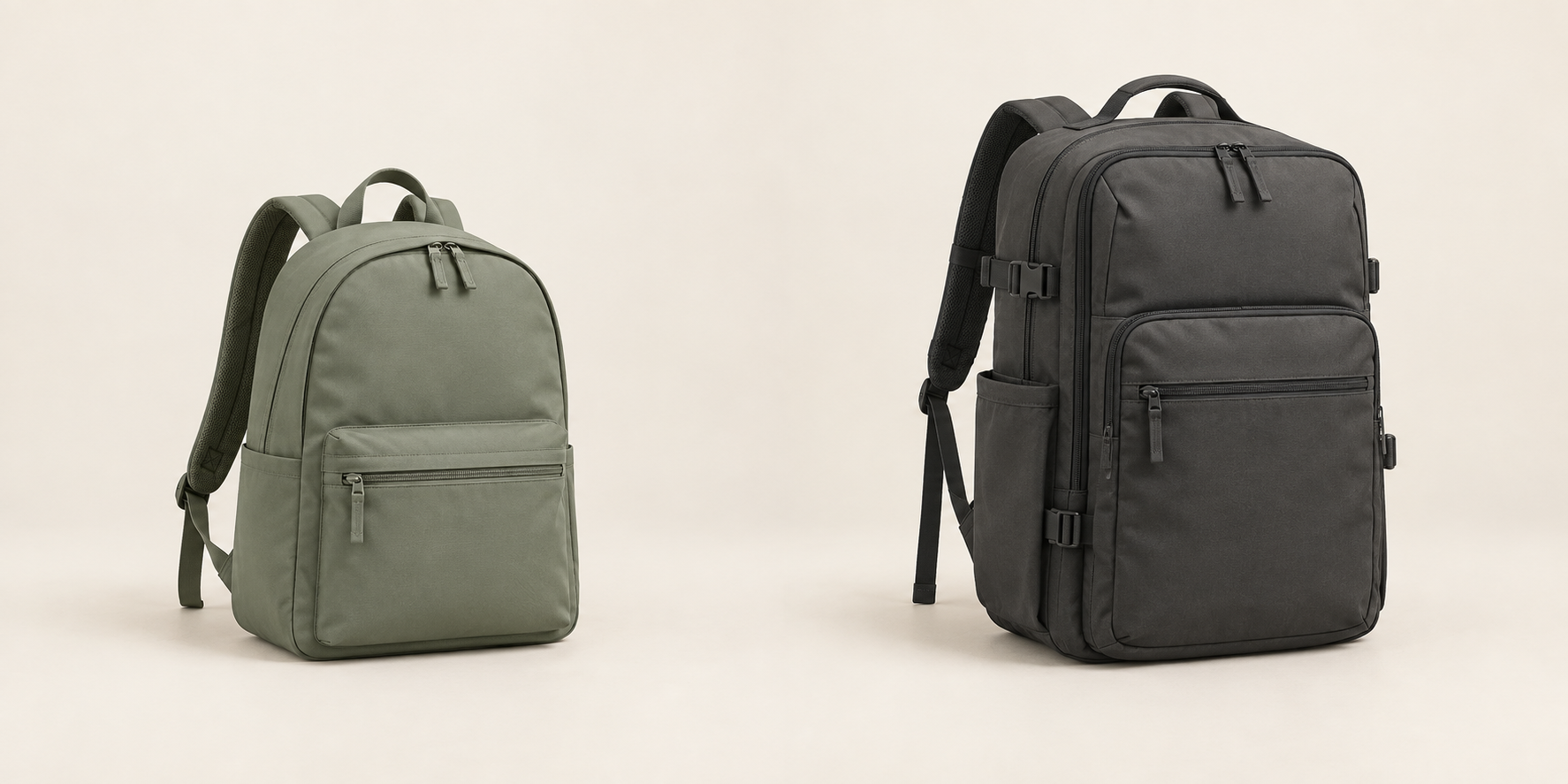
PROPOSED PROJECT
Image & Video Library Search
Find photos, videos, and designs of your products and ideas by describing what you need. See matching files, exact video moments, and whether your team has permission to use them.
Find the moment. Keep the source with it.
“Keys entering the front pocket,
for our website.”
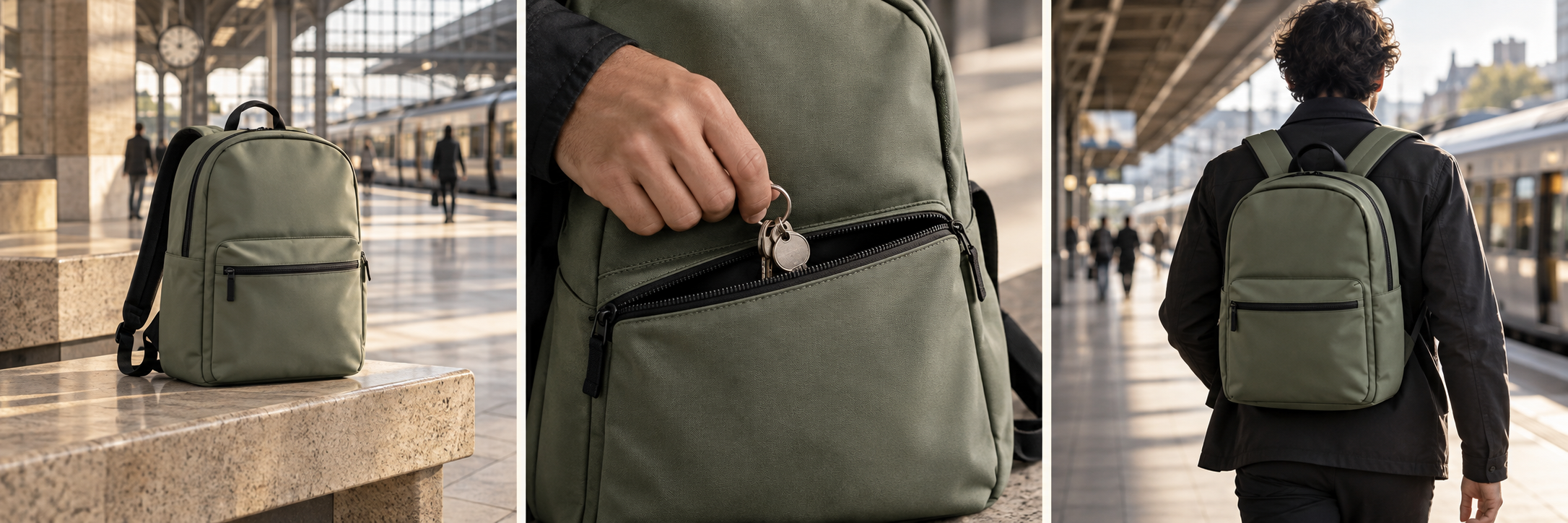
Bag on a station bench
No close view of keys
bag-bench.movKeys entering the front pocket
Requested action + recorded web use
keys-pocket.movA wearer walking toward the platform
Different action; web permission missing
commuter.movThe project in practice.
Find photos, videos, and designs of your products and ideas by describing what you need. See matching files, exact video moments, and whether your team has permission to use them.
WHAT IS USUALLY DONE
An asset search depends on filenames and someone remembering a past shoot. Rights information and approval status often live in a separate spreadsheet.
WHAT SOVRUN CAN DO FOR YOU
Sovrun would make a selected collection of images, videos, and designs featuring your products and ideas searchable. Each result links to the original file, its approval status, and any usage permissions supplied by your team. People can search in everyday language and preview the exact video moment before downloading or requesting a file.
A visual match
needs a usable source record.
V02 shows the requested key-and-pocket action in the 00:04–00:09 interval. Its example register includes approved website use. V01 lacks the requested action; V03 shows a different moment and has no recorded web permission. A missing permission stays unresolved.
Five seconds, precisely located.
- Source duration
- 20 seconds
- Selected interval
- 00:04–00:09
- Selected length
- 5 seconds
- Usage record
- U02 / website use
- Owner review
- Confirm before release
Use image descriptions and transcripts to find candidate moments, then retain the original filename, time interval, file revision, and supplied usage record. A model can suggest what is visible; it cannot infer permission from the image or turn a proxy preview into an original production file.
A result the team
can locate and review.
The proposed library connects everyday search language to actual source files and the records needed to use them.
Keys entering the front pocket.
Take the record with it.
- File
- keys-pocket.mov
- Interval
- 00:04–00:09
- Length
- 5 seconds
- Permission reference
- U02 / website
- Release check
- Asset-owner review
Explain what was left out.
- V01
- Wrong action
- V03
- Wrong action + missing web use
- V02
- Candidate match
- Pilot test
- Find correct approved sources
How we’d make it happen.
Inventory
Identify files, duplicates, and missing permission records.
Index
Generate searchable descriptions and transcripts while retaining source links.
Review
Test actual creative requests and resolve misleading descriptions or incomplete file details.
Where AI helps
AI describes images, reads video transcripts, and matches their meaning to search requests. Usage permissions come from your records; the system does not guess them from an image.
What people approve
Asset owners confirm permissions and file details. Search results distinguish unknown rights from approved use.
What we’d need to start
- Authorized asset folder
- Rights and approval register
- Common creative search requests
How we’d test it
Measure whether teams find the correct approved asset, how often results lack rights information, and how search performs on a held-out query set.
This is a proposed project, not completed client work. The visuals and numbers show example outputs, not measured results.



 Work,
Work,