
PROPOSED PROJECT
Campaign Quality Check
Catch wrong images, outdated wording, and layout mistakes in campaigns for your products and ideas, with checks based on brand accuracy, accessibility, and responsible data use.
The title is right. The image is not.
Two source-record conflicts
Draft file C17-v03
Day / P20
Offer ends 12 October.
Image record: P20-frontDay / P20
Offer ends 10 October.
Image record: P28-frontThe project in practice.
Catch wrong images, outdated wording, and layout mistakes in campaigns for your products and ideas, with checks based on brand accuracy, accessibility, and responsible data use.
WHAT IS USUALLY DONE
Reviewers open every image and video and compare them with brand guidelines. The same mistakes can slip through, and comments do not always show which rule was broken or which file needs fixing.
WHAT SOVRUN CAN DO FOR YOU
Sovrun would turn your requirements for brand accuracy, accessibility, and responsible data use into a clear checklist for one campaign about your products and ideas. Each flagged issue shows the relevant part of the image, the wording, the rule, and the file version. Your reviewers confirm or dismiss each issue before content is approved.
Turn each finding
into a specific correction.
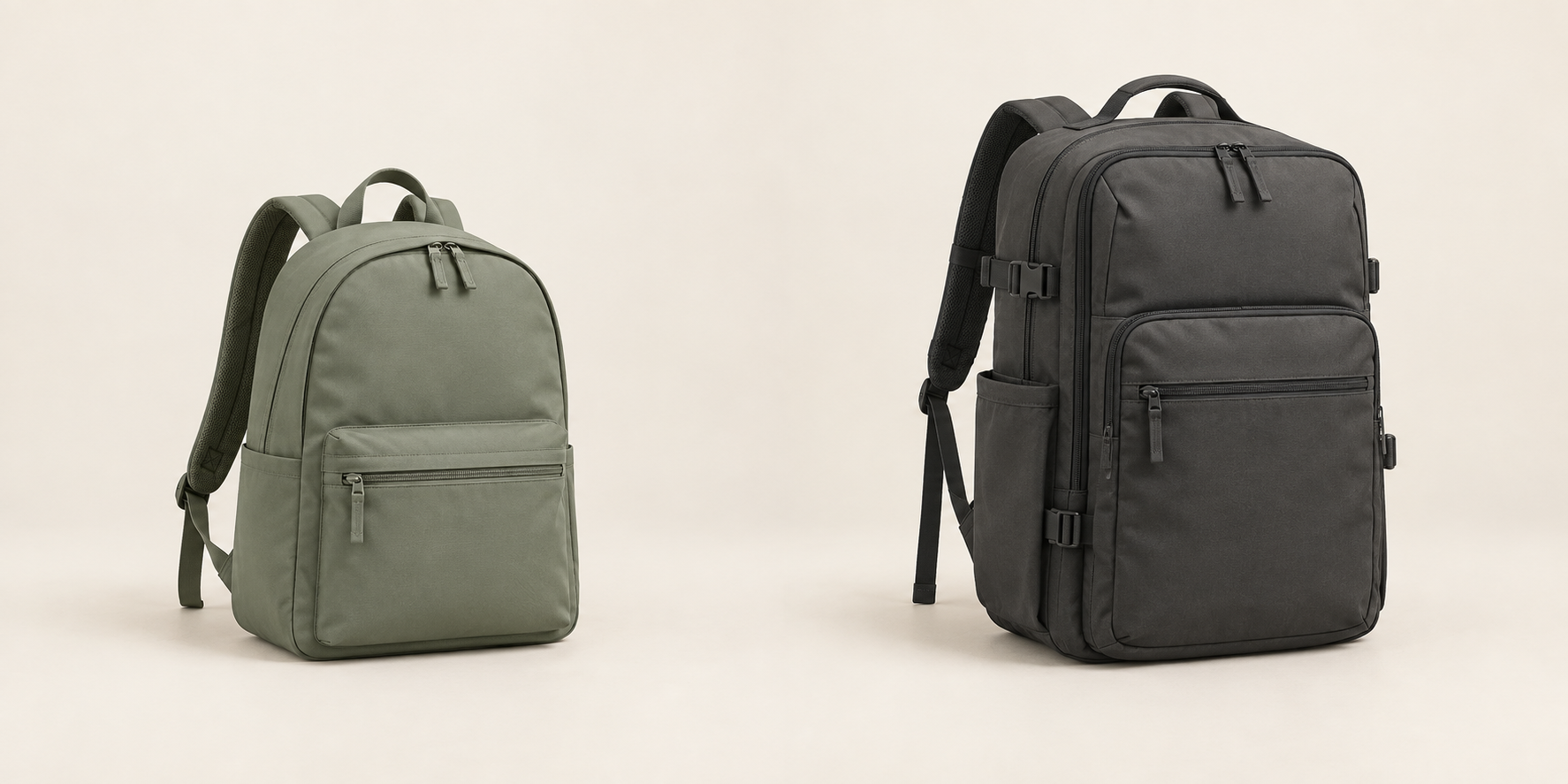
The product title matches the brief, but the linked image does not. The offer date also differs from the designated campaign record. Both findings identify the exact file revision, source value, and required check.
P28-front → P20-front
Replace the Weekender image with the approved Day image. Check the exported file visually as well as its linked record.
10 October → 12 October
Use the date in campaign brief C17. Check the final artwork for the same wording after the edit.
A corrected working file is not the release check. Review C17-v04 against the approved image and date, retain C17-v03’s issue record, and let the brand reviewer confirm or dismiss each finding. Test the checks on both correct and deliberately incorrect files.
A review with evidence.
A correction you can verify.
The project gives the campaign team a review screen and issue export, with file revisions and source rules attached to every finding.
Two concrete corrections.
- Product title
- P20 / matches
- Image record
- P28-front / wrong
- Offer date
- 10 Oct / should be 12 Oct
- Source
- Brief C17
Day / P20
Offer ends 12 October.
Final export still to reviewMeasure the useful checks.
- Known mistakes
- Missed / found
- Correct files
- Unnecessary warnings
- Reviewer action
- Confirm or dismiss
- Version history
- v03 → v04
- Release approval
- Brand reviewer
How we’d make it happen.
Agree on the checks
Choose the rules to check and define what counts as correct, incorrect, or unclear.
Show each issue
Read the text and inspect the images, then show the relevant evidence beside each possible mistake.
Test and improve
Compare the results with your reviewers’ decisions and adjust checks that flag too many correct files.
Where AI helps
AI reads text in images and spots possible visual mistakes. Separate checks confirm image sizes, required wording, and product codes against your approved records.
What people approve
Your brand and product teams make the final decision. We test the checks on both correct files and known mistakes to find missed issues and unnecessary warnings.
What we’d need to start
- Brand guidelines and approved examples for your products and ideas
- Examples of correct files and files with mistakes
- People responsible for checking brand accuracy, accessibility, and responsible data use
How we’d test it
Count missed mistakes, unnecessary warnings, and the time reviewers spend checking the results. Use those findings to decide which checks are ready for everyday use.
This is a proposed project, not completed client work. The visuals and numbers show example outputs, not measured results.



 Work,
Work,