PROPOSED PROJECT
Captions & Accessibility Content
Help your audience follow your films and images with reviewed captions, transcripts, and descriptions, including checks on names and visual instructions.
 CC
CCMake every part
of the message available.
A retailer is publishing a bag demonstration and product gallery. The release needs corrected captions, an aligned transcript, useful image descriptions, and an issue log for visual instructions that the existing audio does not explain.
WHAT IS USUALLY DONE
Speech-to-text tools can draft timed captions, and vision models can describe an image. A competent editor corrects the transcript, but separate files make it easy to miss a visual instruction or ship captions against the wrong cut.
WHAT SOVRUN CAN DO FOR YOU
Sovrun would build a version-linked accessibility workflow for a release about your products and ideas, using the terminology your audience need to understand it. Speech recognition, shot-level video review, and the approved terminology list are compared on the same timeline. Editors receive caption corrections, image descriptions written for their page context, and time-coded production issues. Approved files are packaged for the intended player and CMS.
Correct the words.
Find what the audio misses.
A transcript-only pass can miss an essential visual step. The proposed workflow reviews speech, on-screen information, product terminology, and the intended player together.
Reference: Product guide / R-021
Some meaning
is only visible.
The strap adjustment is shown without narration.
Ask the editor to add narration or a description of this step.A reviewed release,
with its open issues.
You receive captions timed to the video, transcripts, image descriptions, and a list of changes the editor needs to make.
Open the front pocket.
[soft instrumental music]
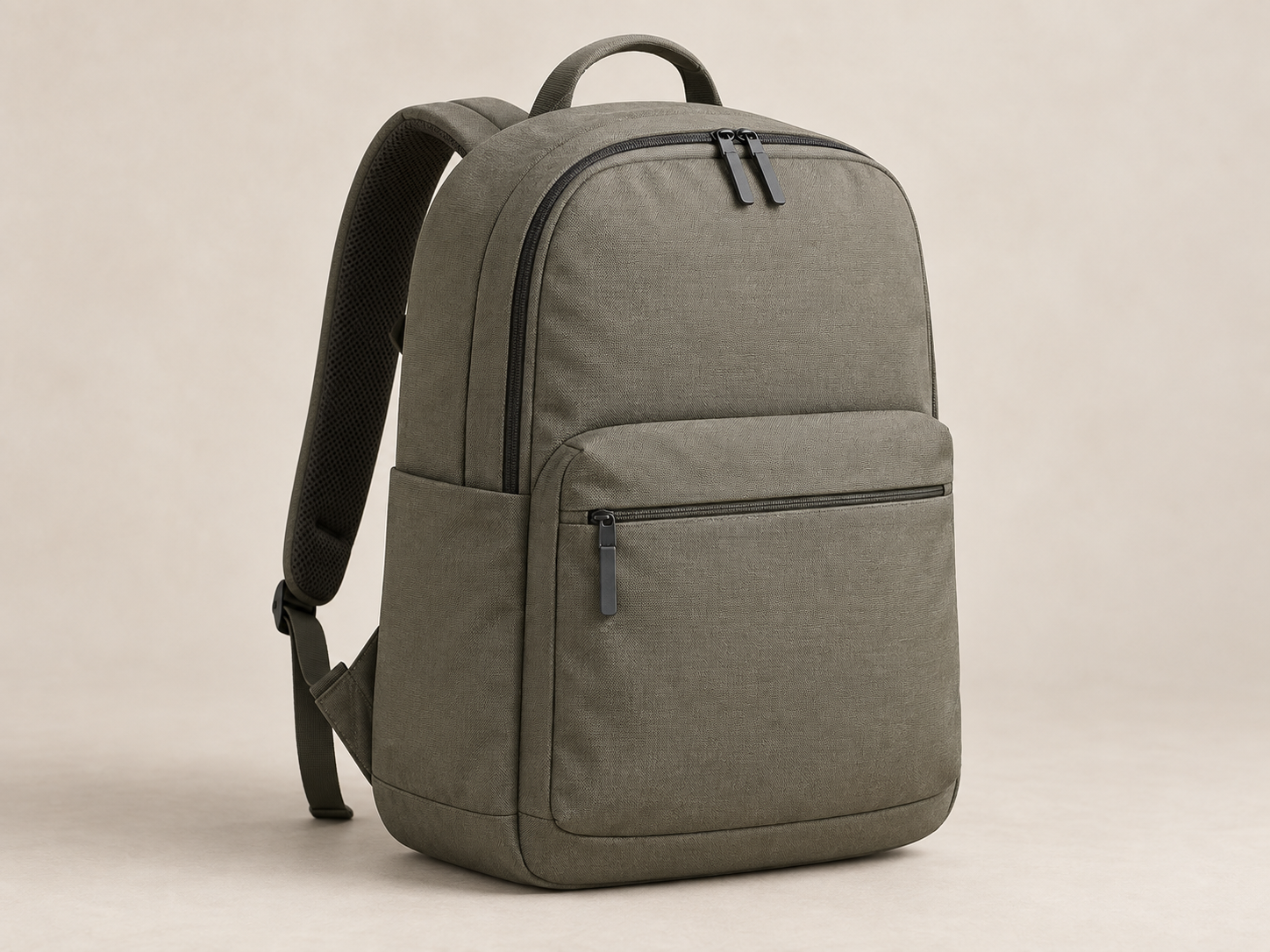
Olive-gray backpack with a zipped front pocket and a top handle.
Example wording / check on the actual pageUnexplained visual step
- Owner
- Content editor
- Action
- Review narration
- Status
- Open
Validate the fix in the intended player with representative users.
How we’d make it happen.
Align
Register each source version, synchronize the transcript, and compare candidate models on difficult names and sounds.
Review
Inspect the visual steps alongside the audio; correct captions and route missing instructions for an editorial fix.
Package
Check timing and reading in the intended player, then export the approved caption, transcript, and description files.
Where AI helps
Compare AI tools that read speech, images, and video on the actual footage, names, and visual steps. Models propose aligned text and candidate omissions; they do not certify accessibility.
What people approve
An accessibility editor verifies dialogue, meaningful sounds, timing, and image purpose. Essential visual instructions need an agreed narration or description treatment; they are not inserted as invented speech. Review the finished assets in the destination player.
What we’d need to start
- Locked video cuts and linked gallery images
- Approved product or ingredient terminology
- Player formats, page context, and accessibility requirements
How we’d test it
Review held-out clips for word accuracy, synchronization, and correctly identified visual omissions. Track editor corrections and verify the final files in their destination; no automatic compliance claim.
This is a proposed project, not completed client work. The visuals and numbers show example outputs, not measured results.